
Managed IT that gives you your time back
An ounce of prevention is worth a pound of cure
Your machines stay patched and backed up, and when the software your office runs on breaks, we make the vendor call. $60 to $185 per user, per month, no seat minimum.
Three free one-page documents. No meeting, and nothing to install.
- No seat minimum
- No per-ticket billing
- No charge to ask a question
- People on payroll6
- Average loaded wage$45 per hour
- Hours the office is down8
The math nobody runs
A closed office still costs the same to run.
Payroll, rent, and your lease on the copier do not pause because the server did. Change the three numbers below to your office and you have your own figure, not an industry average.
Something breaks
A drive, a login, an update, a click on the wrong invoice.
Nobody owns it
Someone calls someone. The office manager becomes IT for the day.
Work stops anyway
Appointments, filings, and intake do not reschedule themselves.
The bill arrives later
Emergency rates, lost hours, and the client who noticed.
Start here · free
Find out where you stand without talking to anybody.
Three things you can have today. None of them require a meeting, and none of them are a trial that turns into an invoice.
Downtime scorecard
One page. Four inputs. What a day offline actually costs your office in dollars.
- Your numbers, not a benchmark
- Prints on one sheet for a partners' meeting
Security scorecard
A self-assessment you fill in honestly. Every line is a question an insurer or a client may eventually ask you.
- Meets, partial, or gap on each item
- Answer the way you could prove it
Security Check
We look at what is publicly visible about your office from the outside and send back three findings in plain English.
- Nothing to install, no access needed
- The first three things we would fix
Who this is built for
Two kinds of office where a bad day is not just inconvenient.
Both run on a handful of machines, one critical application, and files that other people have a legal interest in. That is a narrower problem than "small business IT," and it is the one we work on.
Law firms
- The questionnaire got technicalCyber insurance renewals now ask direct questions about MFA, backups, and endpoint protection. A yes your records cannot support is worse than a no.
- Deadlines do not moveA filing date does not care that your document management system is down.
- Client files are somebody else's businessConfidentiality obligations do not thin out because the firm is small.
Medical & dental offices
- A full schedule is the whole dayWhen the chart system stops, the waiting room does not. Every hour offline is rebooked or lost.
- One application runs everythingPractice management, imaging, and billing all lean on the same box, and usually nobody is watching it.
- Records duties are not optionalPatient data has handling obligations whether or not anyone has looked at your setup lately.
Pricing
Published, per user, no seat minimum.
You should be able to work out what this costs before you speak to anyone. Nothing on this site takes a payment, and every button here goes to a conversation.
Monthly plans
Per user, per month, with no seat minimum. Choose a plan to see what it covers.
See what your office costsWhat Essentials includes
- Automated monitoring and alerting
- Automatic patching and updates
- Managed antivirus and ransomware protection
- Microsoft 365 or Google Workspace backup
- Account and device management, including onboarding and offboarding of users
- Email authentication (SPF, DKIM, and DMARC)
Support is billed at $125 per hour as you use it, so a quiet month costs you the plan and nothing more.
What Managed IT includes
- Automated monitoring and alerting
- Automatic patching and updates
- Managed antivirus and ransomware protection
- Microsoft 365 or Google Workspace backup
- Account and device management, including onboarding and offboarding of users
- Email authentication (SPF, DKIM, and DMARC)
- One hour of remote support per user each month, pooled across your team
Under about half an hour of support per person per month, Essentials costs less. Over it, Managed IT does.
What Managed IT + HIPAA includes
Everything in Managed IT, plus what a practice has to be able to show:
- A signed business associate agreement, before any work touches patient data
- An annual security risk analysis, the document investigators ask for first
- Your safeguards written down, with the evidence that they are in place
- Security awareness training and phishing simulation for your staff
- Audit logging that is reviewed, not only collected
- Encrypted backup with a restore that has been tested and dated
For practices and agencies that handle patient records. Safeguards and records, not a certificate. Caregivers come and go. We handle the churn with User Lite at $75 per user per month with onboarding and offboarding included. See all 8 on the pricing page
Choose your plan
One-time onboarding is $150 per user on every plan, waived if you choose an annual term.
Project and hourly work
$125 per hour, one-hour minimum. Work outside a plan, quoted up front so you approve the number before we start.
Talk about your project- Remote / phone diagnosticFree · If we can identify the problem remotely, it costs you nothing
- Data recovery (logical, non-physical)$150 to $250
- Business: on-site or remote support$125 per hour, 1-hour minimum · Commercial rate, including Microsoft 365 and Azure work
Guides
Written for the person who has to sign the form.

Insurance and compliance
The new HIPAA Security Rule is still a proposal, not a deadline
The Security Rule update was proposed in January 2025 and is not final; the government's own target is now July 2027. What it would change, what actually binds your practice today, and the two-minute check that tells you whether a compliance deadline is real.
Insurance and compliance
Florida breach notification deadline: 30 days, not 60
Florida statute 501.171 mandates breach notification within 30 days of determination, whereas HIPAA permits up to 60 days. Understand when the notification period begins, the conditions requiring department reporting for breaches affecting 500 residents, available extensions, and how fines are assessed.
When something breaks
Hurricane IT continuity: a self-audit for Lee County
Answer seven questions about your IT setup. If you cannot answer most of them, your business has gaps to close before the season. The audit, the scoring, and what closes the gap.

Insurance and compliance
How to answer a law firm cyber insurance questionnaire
The questions cyber insurance carriers actually ask small law firms, what an honest yes requires for MFA, backups, patching, and email security, and which records to keep so next year is paperwork instead of a scramble.

Costs and providers
What an hour of downtime costs a dental practice
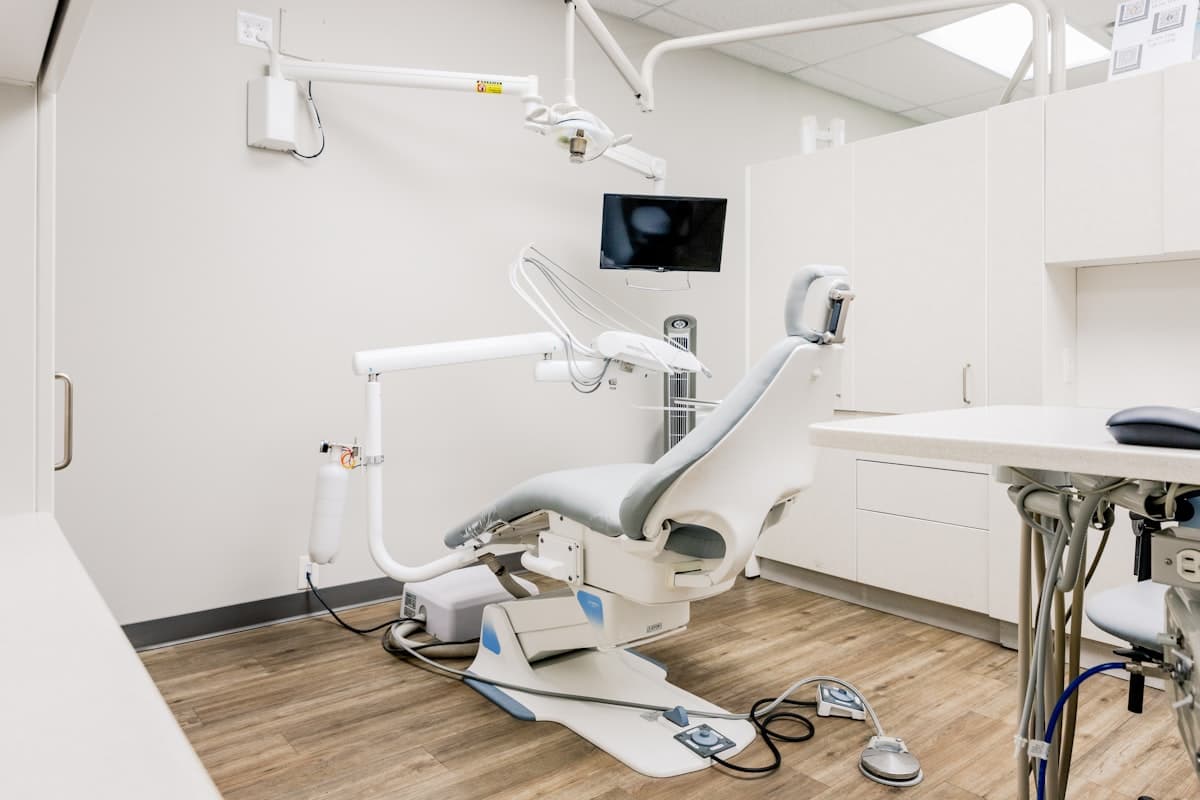
How to put a real number on a morning your practice spent offline, using your own production rather than a national average, which part of it reschedules and which part is gone, and why the fault is almost never the practice management software.
When something breaks
Dentrix, Eaglesoft and Open Dental: what to check before you call anyone
The one question that tells you how bad it is, the five things anyone at the office can safely check, the four obvious fixes that lose the patient database, and what actually breaks in each of the three products.

Insurance and compliance
Five things to check before you sign or renew a cyber policy
The funds transfer fraud sublimit that decides whether a stolen payment is paid, where a cyber policy stops and malpractice starts, the five controls that set your price, and who to call first on the day it happens.

Costs and providers
What IT support costs a small law firm in Florida
Real numbers, not a quote form: what a small law firm in Florida should expect to pay for IT support, hourly versus managed, what the monthly price covers, and how to compare quotes.

Insurance and compliance
What a HIPAA security risk analysis is, and what OCR asks for first
The risk analysis the HIPAA Security Rule requires of every practice, what it covers in plain English, why addressable does not mean optional, what OCR wrote down first in a real 2026 settlement, and why nobody can sell you a HIPAA certification.

Security
Why your email lands in spam: SPF, DKIM, and DMARC in plain English
The three DNS records that decide whether your email reaches inboxes and whether criminals can send mail as your business, what each one actually does, why a monitoring-only DMARC record protects nothing, and how to check your own domain in a minute.

Insurance and compliance
Your client sent a security questionnaire. Now what?
Why corporate clients and their insurers now send outside counsel guidelines and security questionnaires to small firms, what they usually require, why rounding up to yes is the worst available move, and how to turn the document into the spec for keeping the client.

Security
Microsoft is not your backup: what a law firm actually needs
Why deleted or ransomed email is not Microsoft's problem to fix, the 3-2-1-1-0 rule in plain English, the legal-specific requirements most backup setups miss, and the one question that proves whether a backup is real.

Costs and providers
How to switch IT providers without losing a day
Why offices stay too long with the wrong IT provider, the access and documentation to collect before you give notice, what a clean handover looks like, and how to tell whether the new provider is doing it right.

AI at the office
What a small law firm's AI policy needs to say
Staff are already using AI whether or not there is a policy. The six things a law firm AI policy has to cover, why banning AI outright backfires, and how to keep client information out of tools that keep what they are given.

Security
How wire fraud happens to law firms, and the habit that stops it
How business email compromise reroutes closing and settlement wires at small firms, the red flags that should stop a payment, the call-back habit that prevents the loss, and what to do in the first hours if a wire already went out.
Straight answers
The things offices actually ask first.
We already have someone who handles our computers.
We are too small for managed IT.
Are you HIPAA compliant?
Will you work with our practice management software?
What does getting started actually involve?
Do I have to talk to someone to get any of this?
Next step
Start with the free Security Check. Decide about us later.
We look at what is publicly visible about your office from the outside and send back three findings in plain English. Yours to keep whether or not we ever speak. If you would rather do it yourself first, the two scorecards above take five minutes.